Drift Hunters
Drift Hunters Complete Driving & Mechanical Tuning Guide
What Is Drift Hunters & Browser Vehicle Dynamics Overview
Drift Hunters is a comprehensive 3D motorsport simulation engineered directly for modern web browsers. Unlike arcade racers that artificially snap vehicles onto invisible guide rails, Drift Hunters is built on a physical vehicle dynamics calculation engine that models rotational inertia, tire slip angles, lateral gravitational forces, and active suspension dampening. Every curve, hair-raising elevation change, and surface transition tests your understanding of throttle balance and counter-steering discipline.
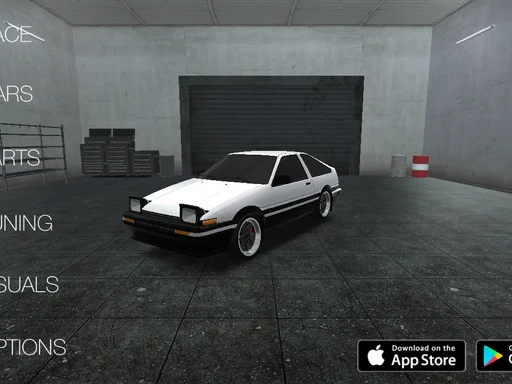
Players step inside an authentic tuner garage featuring dozens of iconic rear-wheel-drive platforms inspired by legendary Japanese and European drift machines. From responsive naturally aspirated coupes to quad-rotor turbo monsters, each chassis delivers distinct handling characteristics based on its curb weight, wheelbase length, and power delivery band. Driving on [Dirtbound](/) demands fine mechanical sensitivity: if you smash the throttle recklessly, your rear tires lose all adhesion, inducing an uncontrollable spin. If you enter corners with insufficient momentum, the differential bogs down, terminating your combo chain.
The core loop revolves around technical precision and style points. Points accumulate continuously while your vehicle sustains a lateral slip angle greater than 15 degrees at speeds exceeding 20 km/h. Linking transitions between sequential corners multiplies your score dynamically, rewarding drivers who maintain continuous momentum without colliding against concrete barriers or clipping grassy verges.

How to Start Playing & Selecting Circuits
Launching your first drifting career requires disciplined preparation. When entering the garage, you begin with a modest budget and a nimble starter vehicle. Before jumping onto high-speed racing circuits, familiarize yourself with track geometry. Drift Hunters provides ten varied driving environments ranging from expansive open docks to narrow mountain passes:
1. Emparamy Playground: An expansive asphalt testing yard with wide open spaces and generous run-off areas. This is the ultimate proving ground for practicing donut rotations, continuous figure-eights, and initiating slides using sudden steering inputs.
2. Nishisu Track: A technical circuit featuring medium-speed chicane combinations, sweeping banked carousels, and well-defined apex markers ideal for consistent lap farming.
3. Touge Mountain Pass: A steep, serpentine road carving through hillside cliffs with zero room for error. Guardrails punish sloppy driving lines, forcing players to master smooth trail braking and tight throttle modulation.
4. City Docks: An industrial layout defined by 90-degree intersections, container obstacles, and slippery concrete surfaces requiring snappy weight shifts.
To begin a session, select your desired vehicle, navigate to the circuit map, and choose your venue. Always run an initial sighting lap at half throttle to identify braking markers, surface grip changes, and transition zones where weight must transfer from side to side.
Complete Controls Guide for Desktop Keyboard
Executing seamless high-angle slides requires immediate, instinctive muscle memory. Master the following keyboard inputs to command your vehicle across every surface:
- W or Up Arrow: Linear Throttle Acceleration. Modulate continuous taps rather than holding full throttle to manage wheel slip.
- S or Down Arrow: Foot Brake and Reverse Gear. Generates balanced front-axle deceleration to shift vehicle mass forward.
- A or Left Arrow: Steer Left. Used for initial corner turn-in and counter-steering during clockwise slides.
- D or Right Arrow: Steer Right. Used for counter-steering counter-clockwise drifts and catching high-angle snaps.
- Spacebar: Handbrake / Emergency E-Brake. Instantly locks the rear axle, breaking tire traction to initiate steep-angle drifts or rapid direction reversals.
- C Key: Cycle Camera Perspective. Toggle between third-person chase cameras, bumper view, and dynamic cinematic replay angles.
- Left Shift: Upshift Manual Transmission (when manual gearbox mode is toggled in gameplay settings).
- Left Ctrl: Downshift Manual Transmission to lock engine RPM into peak torque bands.
Smooth steering inputs are paramount. Because keyboard buttons register binary on/off signals, rhythmic tapping is crucial. Rapid, measured taps prevent the front wheels from snapping too sharply into snap oversteer.
Mechanical Tuning, Suspension & Drivetrain Optimization
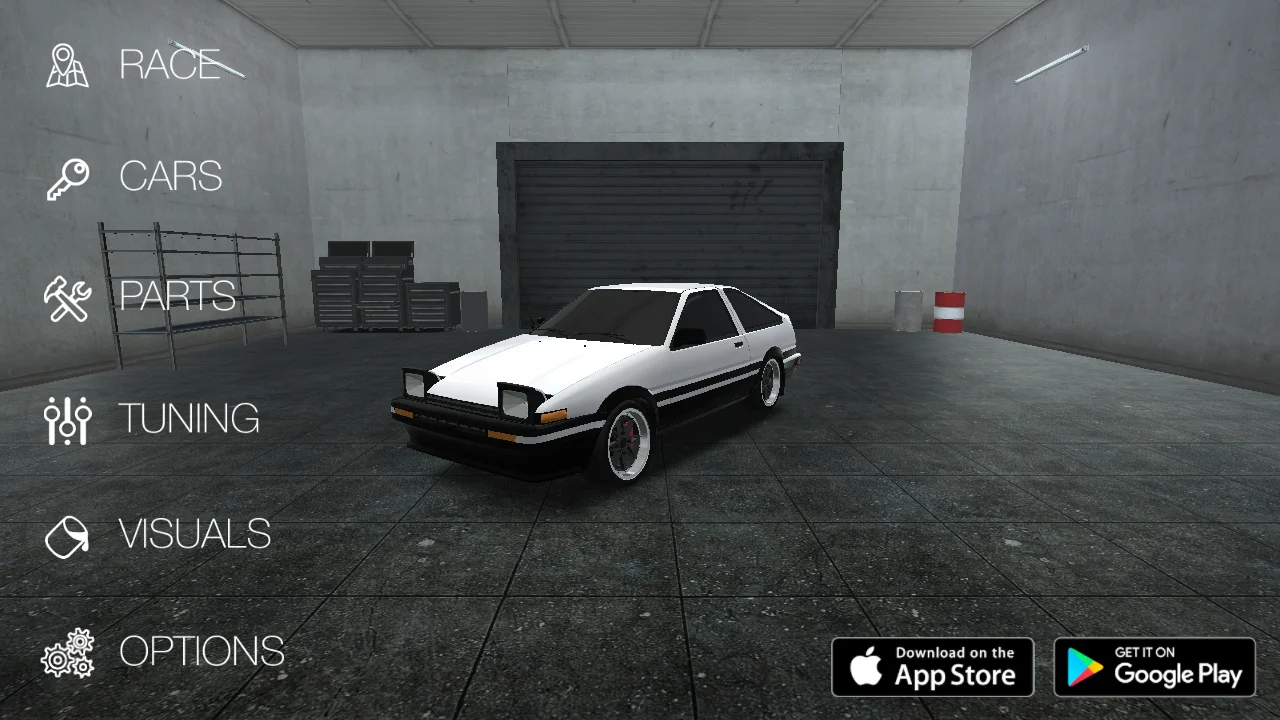
The deepest layer of Drift Hunters lies in its realistic garage modification system. Upgrading horsepower without adjusting chassis balance creates an unmanageable vehicle. Access the tuning workshop to calibrate five essential mechanical parameters:
- Front Camber Angle (-5.0° to -1.0°): Negative front camber increases tire contact patch as the vehicle body rolls during aggressive cornering. Setting front camber around -3.5° sharpens front-end bite, allowing rapid turn-in response.
- Rear Camber Angle (0.0° to -1.5°): Keep the rear camber relatively flat (around -0.5° to -1.0°). Excessive negative rear camber reduces the straight-line traction needed to power out of slow hairpins.
- Front Offset & Track Width: Pushing the front wheels outward widens the front track, providing stable self-centering steering forces that help catch aggressive pendulum drifts.
- Brake Balance (Bias): Distribute brake hydraulic pressure between front and rear calipers. Shifting bias to 65% front allows you to tap the foot brake mid-corner to tuck the nose inward without locking the spinning rear wheels.
- Suspension Stiffness & Ride Height: Lowering ground clearance drops the center of gravity, minimizing sluggish body roll. Stiff front springs enhance steering response, while slightly softer rear dampers allow the car to squat and generate forward push.
- Turbo Boost Pressure: High boost produces immense top-end horsepower for wide tracks like Nishisu, but creates noticeable turbo lag. On narrow Touge circuits, modest boost provides cleaner linear throttle control.
Beginner Strategy & Fatal Mistakes to Avoid
New drivers frequently make fundamental errors that ruin their drift score combos. Review these proven tactical fundamentals before setting out on the tarmac:
First, resist holding the handbrake for extended durations. The e-brake is a momentary trigger meant to break rear tire grip, not a sustained steering tool. Pulling the handbrake for more than half a second wipes out your forward kinetic energy, dropping vehicle speed below the scoring threshold.
Second, beware of over-steering on corner exit. When the rear tires regain traction while the steering wheels are angled inward, the car violently snaps back toward the opposite guardrail (known as a tank slapper). Anticipate the end of the slide by centering your steering before reducing throttle input.
Third, respect weight transfer mechanics. A drift begins several meters before the corner apex. Tap the foot brake in a straight line to compress front shocks, flick the steering away from the turn briefly, and then flick inward (the classic Scandinavian flick). The shifting pendulum force effortlessly swings the tail out without wasting valuable tire rubber.
Advanced Multiplier Chaining & Line Trajectory
To achieve leaderboard scores exceeding 50,000 points in a single run, you must understand combo multiplier preservation. Your combo meter increases from 1x up to 10x as you maintain high speed and deep slide angles. If your drift angle drops below 15 degrees or your car travels straight for more than 1.5 seconds, the multiplier resets to zero.
1. The Feint Transition: When connecting two opposite corners down a long straightaway, initiate a shallow pendulum feint. Flick the rear end back and forth across the asphalt while feathering the gas, keeping the combo counter active between distant apexes.
2. Wall Proximity Bonuses: Drifting within centimeters of perimeter barriers rewards aggressive line positioning. The rear bumper should sweep past concrete barriers without making contact.
3. Power-Over Clutch Kicking: On high-horsepower turbo builds, downshift immediately upon corner entry. The sudden surge of torque instantly breaks traction even on sticky tarmac, propelling your vehicle deep along the outside clipping line.
4. Telemetry Monitoring: Watch your speedometer. Drifting between 70 km/h and 110 km/h generates optimal score accumulation without generating excessive inertia that pulls your chassis into outer gravel traps.
Explore more exhilarating driving titles in our [Racing Games](/racing-games/) category or try rapid-fire reflex tests in [Arcade Games](/arcade-games/) on Dirtbound.
Troubleshooting, Performance & Compatibility
Drift Hunters runs smoothly on modern WebGL-compliant web browsers without third-party plugins. Follow these technical guidelines for optimal frame rates:
- Hardware Acceleration: Confirm that hardware acceleration is enabled in browser preferences (Chrome, Edge, Firefox, or Safari) to allow your GPU to render 60 FPS 3D shadows and particle smoke.
- Resolution Scaling: If experiencing stutter on laptop integrated graphics, reduce render quality to Medium within the in-game settings tab.
- Clean Canvas Input: If steering feels unresponsive, click directly onto the game window to lock browser keyboard focus away from external scrollbars.
- Zero Downloads: All vehicle files and physics shaders cache directly into local browser storage for instant re-launching.